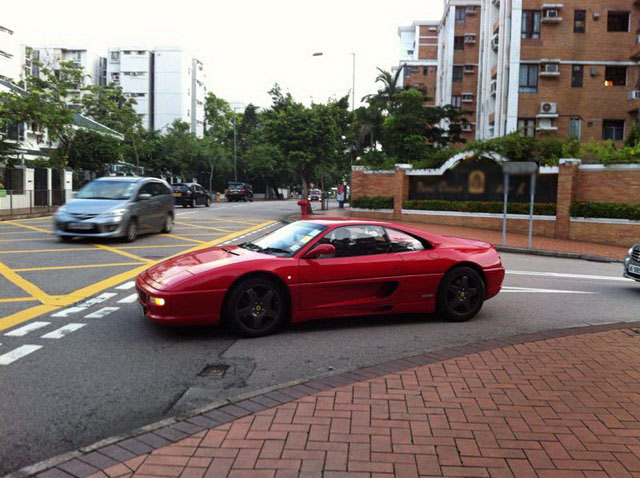
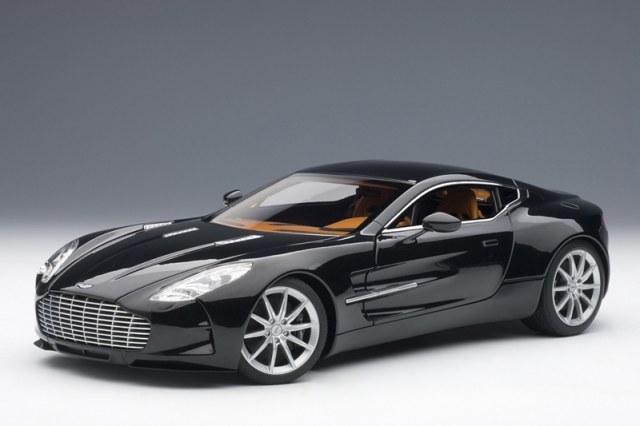
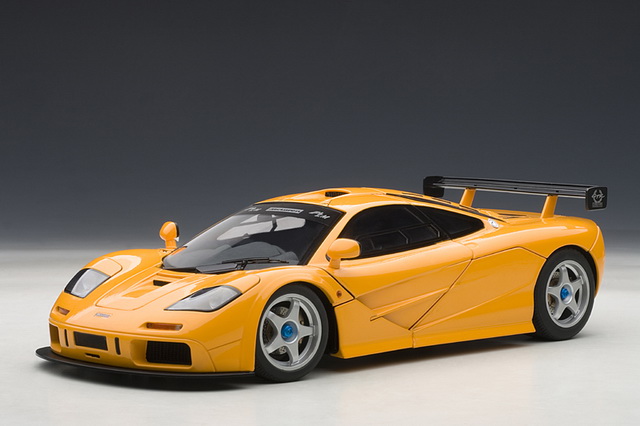
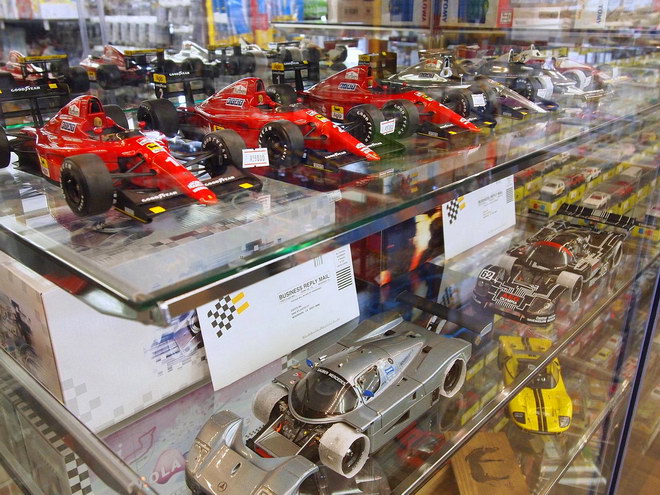
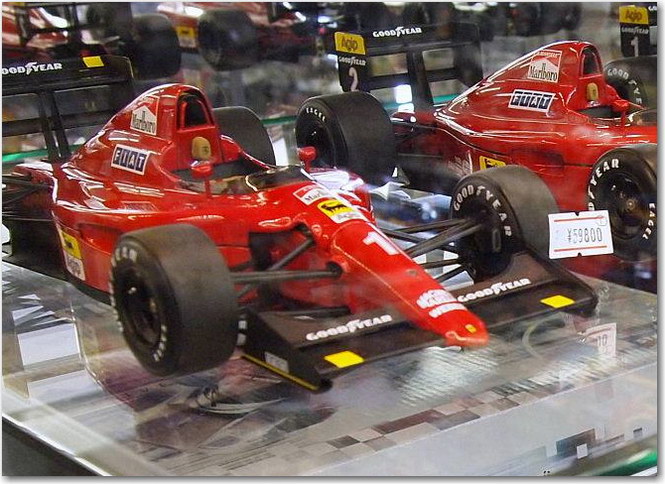
Mattel終於也失去了法拉利的版權
 Comments (0)
 15年的合作關係終於終止了,而最新的版權卻驚訝地落在了意大利老牌廠商Burago手裡,當然這可不是什麼好事。但是如果Burago的製作技術有明顯進步或者交給京商/BBR代工那又另當別論。
另外根據以前2009年京商(Kyosho)失去法拉利版權的經驗,某些絕版了的Elite/Super Elite如F40, 458 Italia, 250 California, 288 GTO等的市場價格如無意外將會越來越高。
Hot Wheels Elite Announcement
10:33:09 – 30/06/2014
We would like to let you know that after a very successful 15-year partnership, the Mattel Hot Wheels licensing relationship with Ferrari will end on December 31, 2014.
That is the date that Mattel’s current contract with them expires and has been mutually agreed not to renew it.
Here are the next steps:
All the remaining 2014 Ferrari products will be produced and released over the next six months including standout key releases like the 1:18th 1976 Niki Lauda 312 T2 race car as seen in the hit movie RUSH and Ferraris latest super car, the LA FERRARI.
There are a few Hot Wheels Elite Ferrari cars scheduled for production in 2015 and therefore these will all be dropped.
They are as follows:
BLY36 Elite 1:18 Ferrari California T – Red
BLY37 Elite 1:18 Ferrari California T – Colour #2
BLY38 Elite 1:18 Ferrari California T – Colour #3
BLY41 Elite 1:18 Ferrari F1 2014 as Driven by F. Alonso
BLY48 Elite 1:43 Ferrari California T – Red
BLY49 Elite 1:43 Ferrari California T – Colour #2
BLY50 Elite 1:43 Ferrari California T – Colour #3
BLY42 Elite 1:43 Ferrari F1 2014 as Driven by F. Alonso
BLY55 Heritage 1:18 Ferrari 458 Speciale – Red
BLY56 Heritage 1:18 Ferrari 458 Speciale – WhiteWhile Mattel are sad to be saying good-bye to Ferrari, they are excited about the future of their Hot Wheels Elite, Heritage and One brands which will feature releases of outstanding film and licensed products like the Aston Martin DB5 Goldfinger car and the 30th Anniversary edition Ghostbusters ECTO-1 car.